01- PROBLEM
“What was difficult about managing cleanings before SparkList?”
Clear instructions. Track time on site. Check photos without chasing your team.
Your first site is free. No credit card required.
4.9 · 7K+ downloads
10 work-site clients · 6 cleaners · England 🏴
01- PROBLEM
“What was difficult about managing cleanings before SparkList?”
02- SOLUTION
“How does SparkList help your team verify work remotely?”
03- RESULT
“What changed since using SparkList?”
04- REAL RESULTS
“Everything they need is in one simple system. They just log in, complete the checklist, upload photos, and they’re done.”
Natasha Charles
Pin tasks to site photos. Cleaners see exactly what to clean, check, or restock.
Even when someone covers a new site, your instructions are already there.

Review completed tasks and compare cleaning photos with your references.
Less chasing for updates. More confidence in the work.

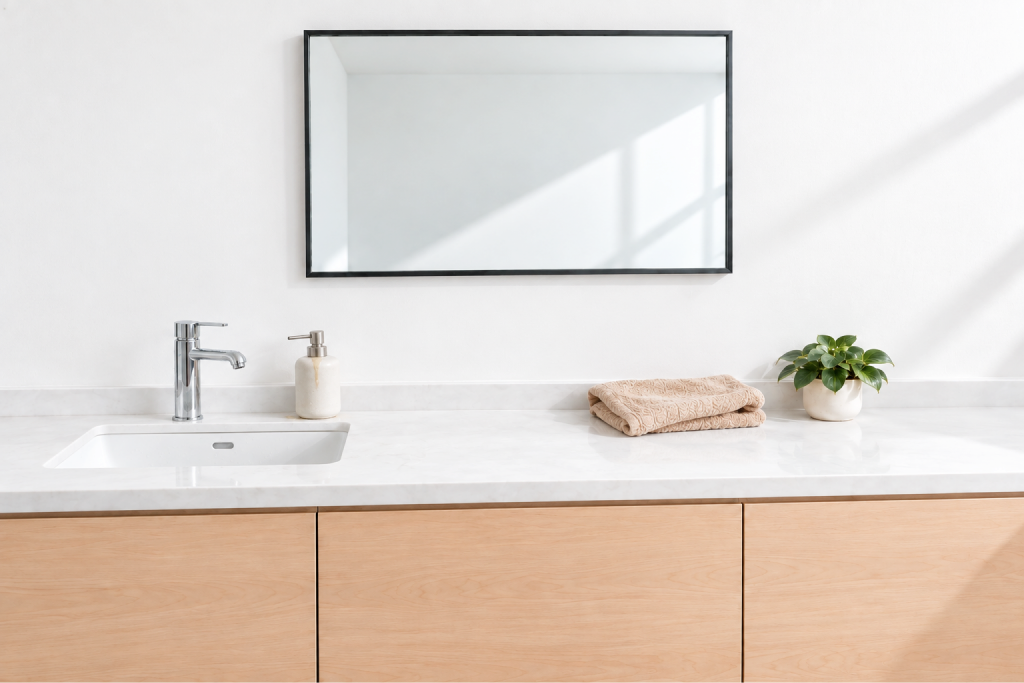

 Your standard



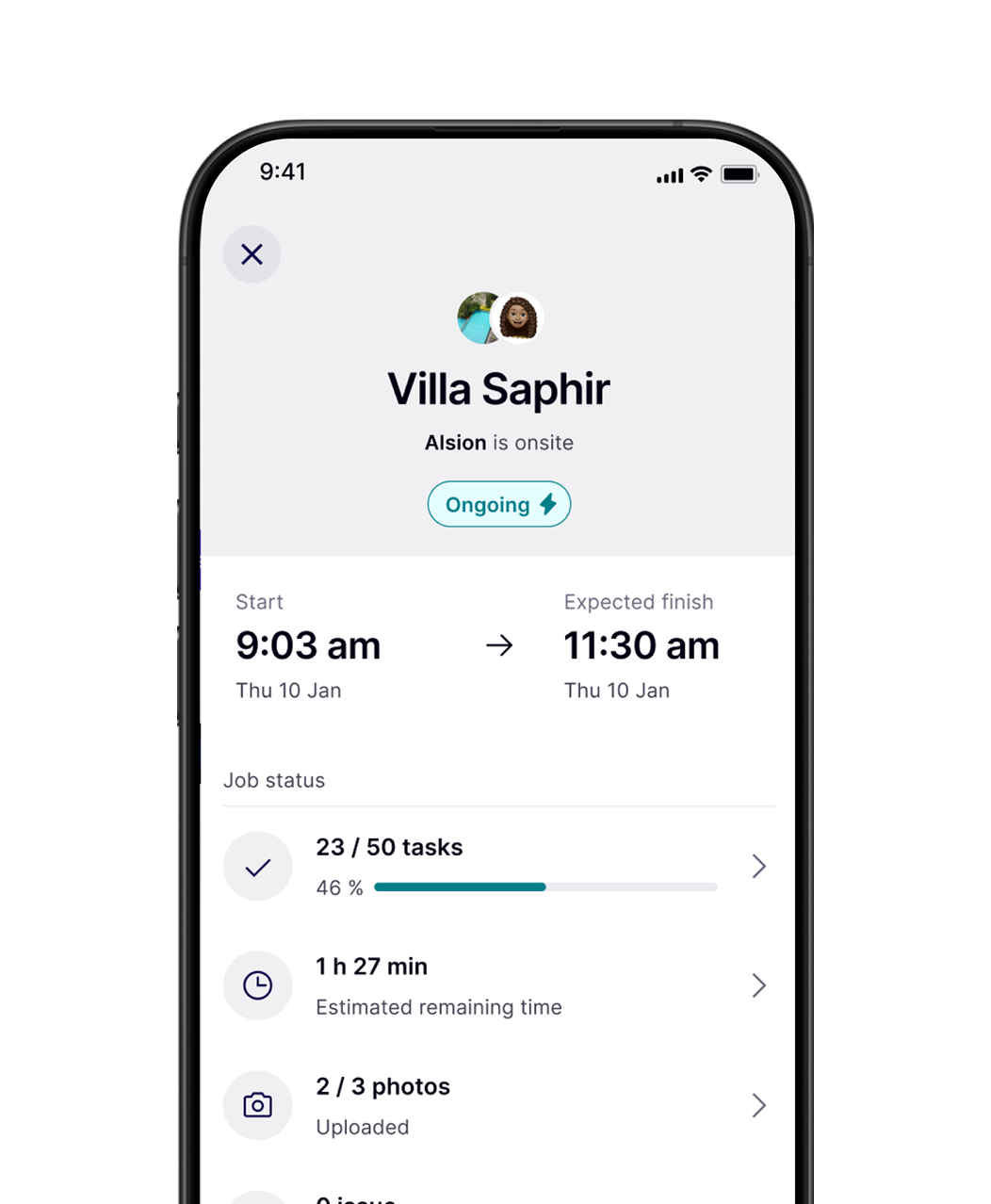
Alison is onsite
Time on site: 46 min
Cleaners start on site. SparkList records time and stops when they leave.
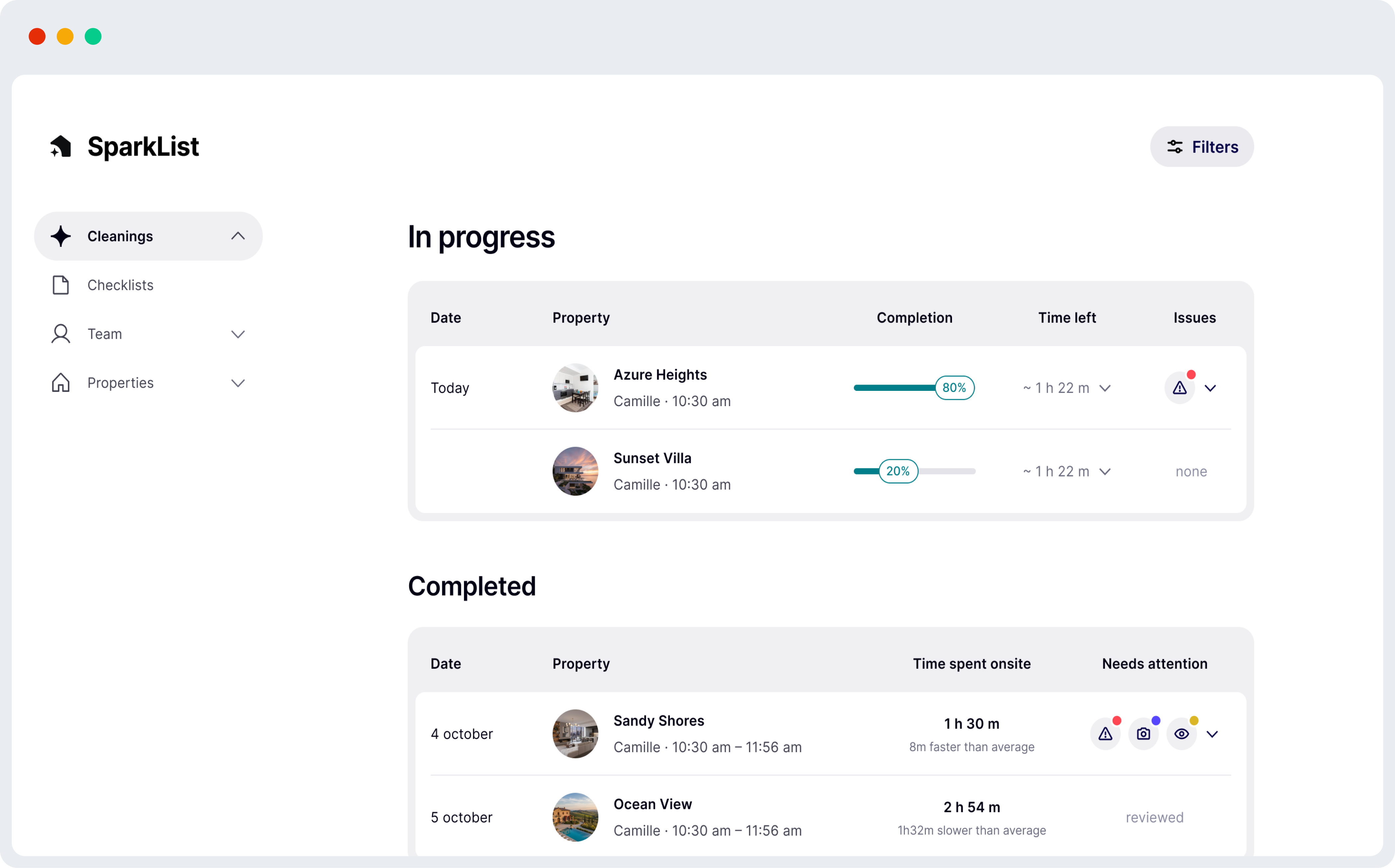
See the hours behind each job, without relying on someone to stop the timer.
No account to create. No training needed. No setup for cleaners.
Your cleaner in action
Open the link → 2. Follow the checklist → 3. Take the photos. Finish the job.
Add your site and set the tasks, instructions, and photos you need.
Give your cleaners access to the checklist for their site.
Cleaners follow the tasks, add photos, and report any issues.
Check completed tasks, photos, and time on site in one place.
Cleaners report damage or missing supplies with a photo and a note.
Get the details you need to decide what happens next.
Keep tasks, time on site, and photos ready when a client asks what was done.
Make client conversations easier with evidence of the work.
Choose a ready-made checklist, then adapt it to your site and standards.
Give another manager access to help oversee the work, with permissions you controlLet another manager help oversee the work, with access you control.
Give each task the frequency it needs, from daily cleaning to less frequent checks.Daily floors. Weekly checks. Monthly deep cleans. Set the frequency for each task.
See which cleans are underway, completed, or waiting for review
SparkList is a visual checklist and proof-of-work app for short-term rental property managers, conciergeries, and cleaning teams. It helps you make sure every turnover is done properly, even when you are not on site.
SparkList is built for property managers, hosts, conciergeries, and cleaning companies who manage short-term rental properties and need better visibility over cleanings, inspections, and recurring property tasks.
SparkList gives cleaners clear step-by-step instructions and gives managers structured proof once the job is done. You can review photos, timestamps, and location information without relying on WhatsApp messages or manual follow-ups.
No. SparkList can be used for cleaning, inspections, restocking, maintenance checks, damage reports, and any property task that needs clear instructions and proof of completion.
SparkList uses visual checklists. Tasks can be linked to specific rooms, objects, or areas, so cleaners know exactly what to do and where to do it. This makes instructions easier to follow and helps reduce mistakes between turnovers.
No. Cleaners follow a simple mobile workflow with clear instructions, required photos, and step-by-step validation. The goal is to make the app easy to use during real on-site work, not to add complexity.
Yes. Cleaners can report a problem with a photo and description. This helps managers react faster when something is damaged, missing, dirty, or not ready before check-in.
Yes. You can manage multiple properties from one account, with different checklists, tasks, and workflows for each property.
Yes, when location tracking is required, SparkList can help confirm that the cleaner is at the property when starting or completing the job.
Yes. SparkList stores data securely on European servers and is designed to follow GDPR requirements. Photos and job information are only available to authorized users in your account.
Create your first visual checklist, invite your cleaner, and get proof before the next guest arrives.